Best PicsArt Alternatives (2026) – Canva, Snapseed, CapCut & More Compared
Looking for the best PicsArt alternatives in 2026? Whether you want to avoid modified apps, need a fully licensed editor for professional or business work, or simply want tools better suited to a specific type of editing, there are several strong options to consider. This guide compares PicsArt with alternatives such as Canva, Snapseed, and CapCut based on their key features, strengths, limitations, and best use cases, so you can choose the editor that fits your needs.
Why Look for a PicsArt Alternative?
There are a few genuine reasons people look beyond PicsArt, and they’re worth being honest about upfront. Some users want to avoid the security and legal uncertainty covered on our safety page by sticking with fully official, licensed tools.
Others aren’t looking to replace PicsArt at all — they just need something better suited to a specific task, like template-heavy brand design or fast short-form video editing, where a specialized tool often outperforms an all-in-one app. Either reason is valid, and the right alternative depends entirely on what you’re trying to do.
PicsArt at a Glance — What It Does Best
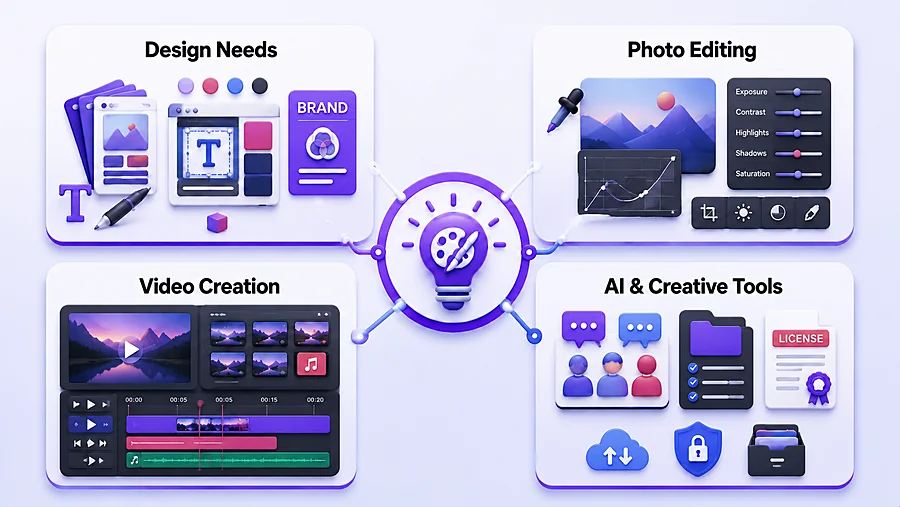
Before comparing alternatives, it helps to know what PicsArt actually excels at. It’s an all-in-one photo and video editor with deep manual editing controls, a strong AI toolkit, and a large creative community — a genuine strength if you want photo editing, video editing, and design tools without switching between multiple apps.
For a full breakdown of its features, see our complete PicsArt MOD APK guide.
Top PicsArt Alternatives Compared
Canva — Best for Templates & Brand Design
Best for: Social media graphics, presentations, marketing materials, and anyone who needs polished designs fast without starting from a blank canvas.
Why choose it: Canva’s massive template library and drag-and-drop editor make it the fastest way to produce professional-looking graphics, even with zero design experience. Brand kits keep your colors, fonts, and logos consistent across every project.
Stand-out tools: Magic Eraser, background remover, one-click resizing for different platforms, real-time team collaboration.
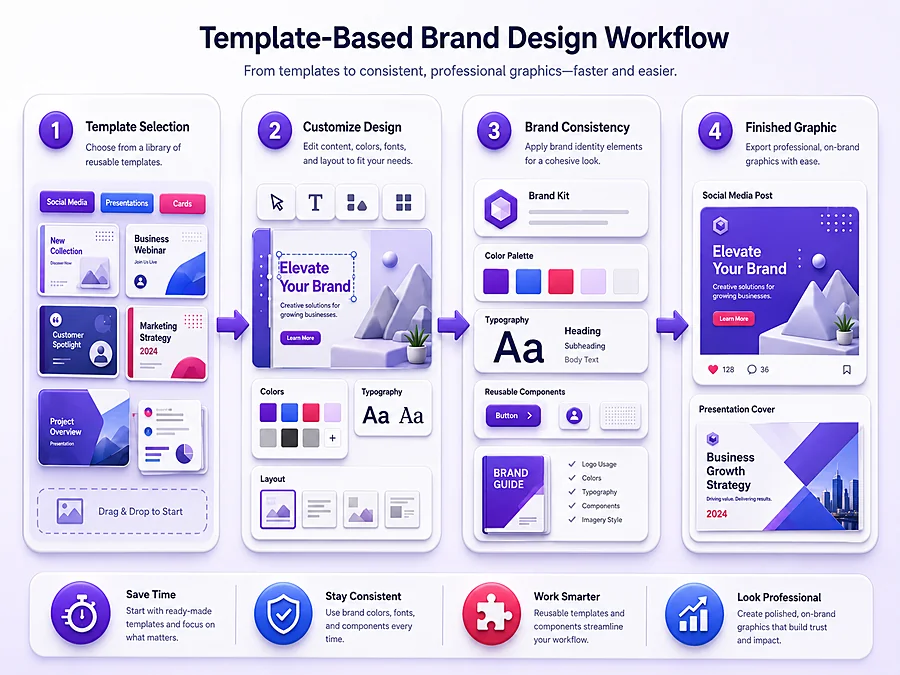
Limitations: Photo editing depth is shallow compared to PicsArt — fine for quick touch-ups, not built for detailed manual retouching or precise color grading.
Platforms: Web, Android, iOS.
Pricing: Free plan available; Pro subscription unlocks premium templates, brand kits, and background removal.
Snapseed — Best for Precision Photo Editing (Free)
Best for: Photographers and anyone who wants serious manual photo editing control without paying anything.
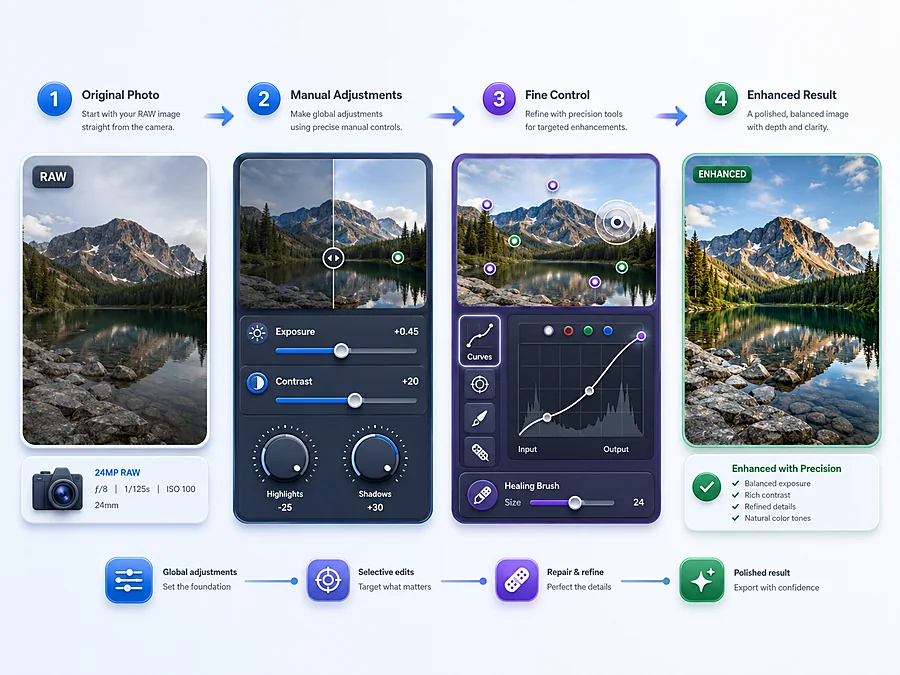
Why choose it: Snapseed offers professional-grade tools — Curves, selective adjustments, healing brush, RAW support — completely free, with no subscription tier at all.
Stand-out tools: Selective point-based editing, precise curve adjustments, non-destructive editing history.
Limitations: No design/template features, no video editing, and a steeper learning curve for users who aren’t already familiar with manual photo-editing concepts.
Platforms: Android, iOS.
Pricing: Completely free.
CapCut — Best for Video & Short-Form Content
Best for: TikTok, Instagram Reels, YouTube Shorts, and any creator focused primarily on video rather than photos.
Why choose it: Built specifically for short-form video, with auto-captions, beat-synced transitions, and trending effects that would take much longer to replicate manually in a general-purpose editor.
Stand-out tools: Auto-captions, keyframe animation, green screen, speech-to-text.
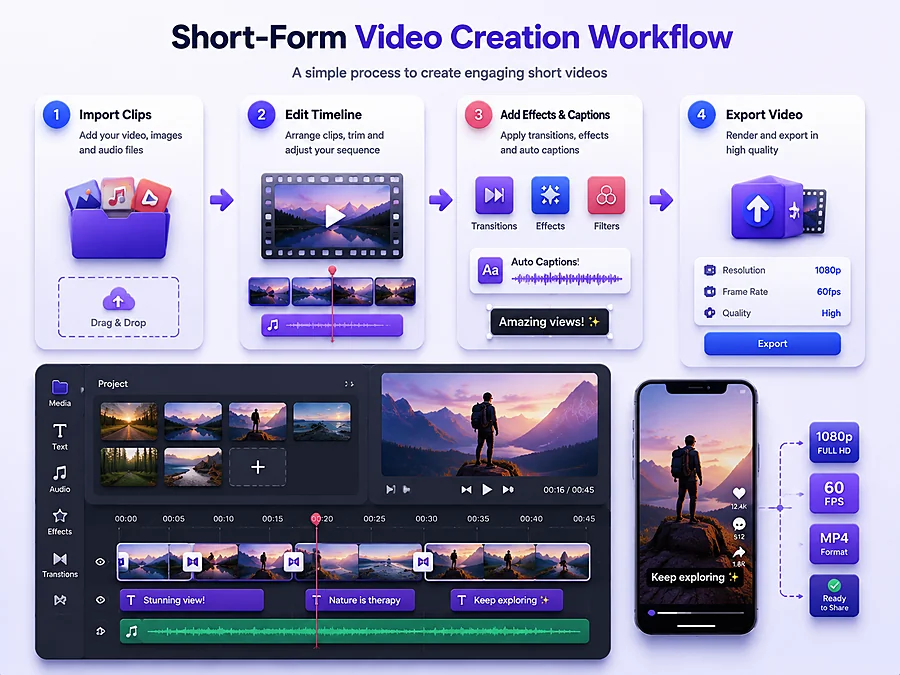
Limitations: Not a real photo editor — if your work is primarily photo-based, CapCut isn’t built for that.
Platforms: Android, iOS, Desktop, Web.
Pricing: Free with optional Pro effects and assets.
Adobe Photoshop Express — Best for Familiar, Trusted Editing
Best for: Users who want a trusted, well-established name with reliable retouching tools and a simpler interface than full Photoshop.
Why choose it: Adobe’s ecosystem trust, clean interface, and content-aware tools make it a dependable choice for straightforward photo cleanup and adjustments.
Stand-out tools: Content-aware blemish removal, selective edits, lens corrections.
Limitations: Lighter than full Photoshop, and some premium tools sit behind a subscription.
Platforms: Android, iOS.
Pricing: Free core version; premium unlocks additional filters and tools.
PicsArt vs Alternatives — Category-by-Category Comparison
Instead of naming one single “best fit,” here’s how PicsArt stacks up against its alternatives category by category — since the right choice really depends on what you’re doing.
|
Category |
PicsArt |
Best Alternative |
|---|---|---|
|
Photo Editing Depth |
Strong manual controls, AI-assisted tools |
Snapseed (precision curves, selective edits) |
|
Templates & Brand Design |
Decent library, artistic/expressive style |
Canva (larger, more polished library) |
|
AI Tools |
Deeply integrated into the editing canvas |
Canva (asset-generation focused) |
|
Video Editing |
Capable, general-purpose |
CapCut (built specifically for short-form) |
|
Team Collaboration |
Limited |
Canva (granular permissions, shared workspaces) |
|
Pricing (entry-level) |
Paid plans available, billed monthly or annually |
Most alternatives start similarly |
The takeaway: PicsArt genuinely holds its own in photo editing and AI-integrated workflows, but specialized tools pull ahead in their specific lane — templates (Canva), short-form video (CapCut), and free precision editing (Snapseed).
Which App Should You Actually Use?
The honest answer depends on what you’re actually making. If you need polished, on-brand graphics fast — social posts, presentations, marketing materials — Canva’s templates will get you there quicker than PicsArt.
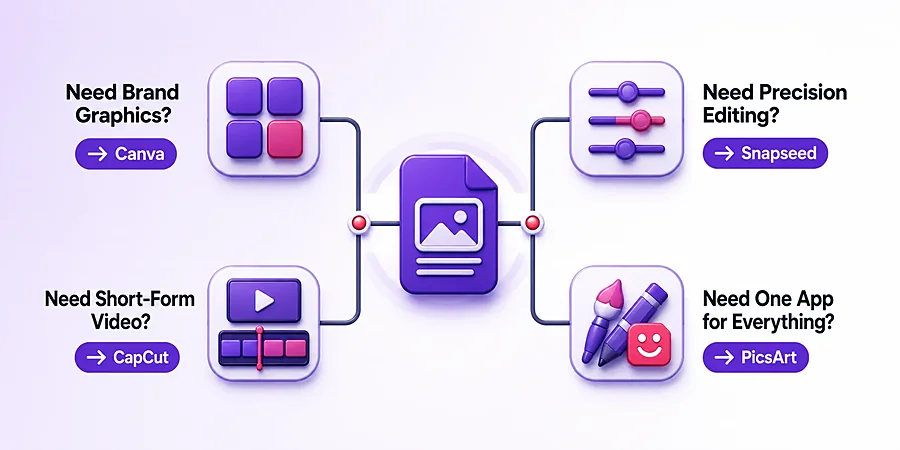
If your focus is precise, manual photo editing and you don’t want to pay for anything, Snapseed is hard to beat. If you’re primarily creating short-form video for TikTok, Reels, or Shorts, CapCut is purpose-built for that in a way general editors aren’t.
PicsArt still makes sense if you want one app that reasonably covers photo editing, video editing, design, and AI tools together, without switching between several apps for different tasks. It’s not the single best tool in any one category, but it’s a genuinely strong generalist — and for many creators, that convenience matters more than being the top performer in one narrow lane.
Frequently Asked Questions
Conclusion
There’s no single best photo and video editing app — only the one that fits what you’re actually trying to make.
PicsArt remains a strong, well-rounded choice if you want photo editing, video editing, and AI tools in one place, but Canva, Snapseed, CapCut, and Adobe Photoshop Express each outperform it in their own specific lane.
Whether you’re switching entirely or just adding a specialized tool to your workflow, the right choice comes down to matching the app to the task, not picking whichever one claims to do everything.